Scan & Voilà for corporate events
Galas, fundraisers, conferences and holiday parties: four hundred people seated, checked in and fed, without a printed chart or a clipboard at the door.
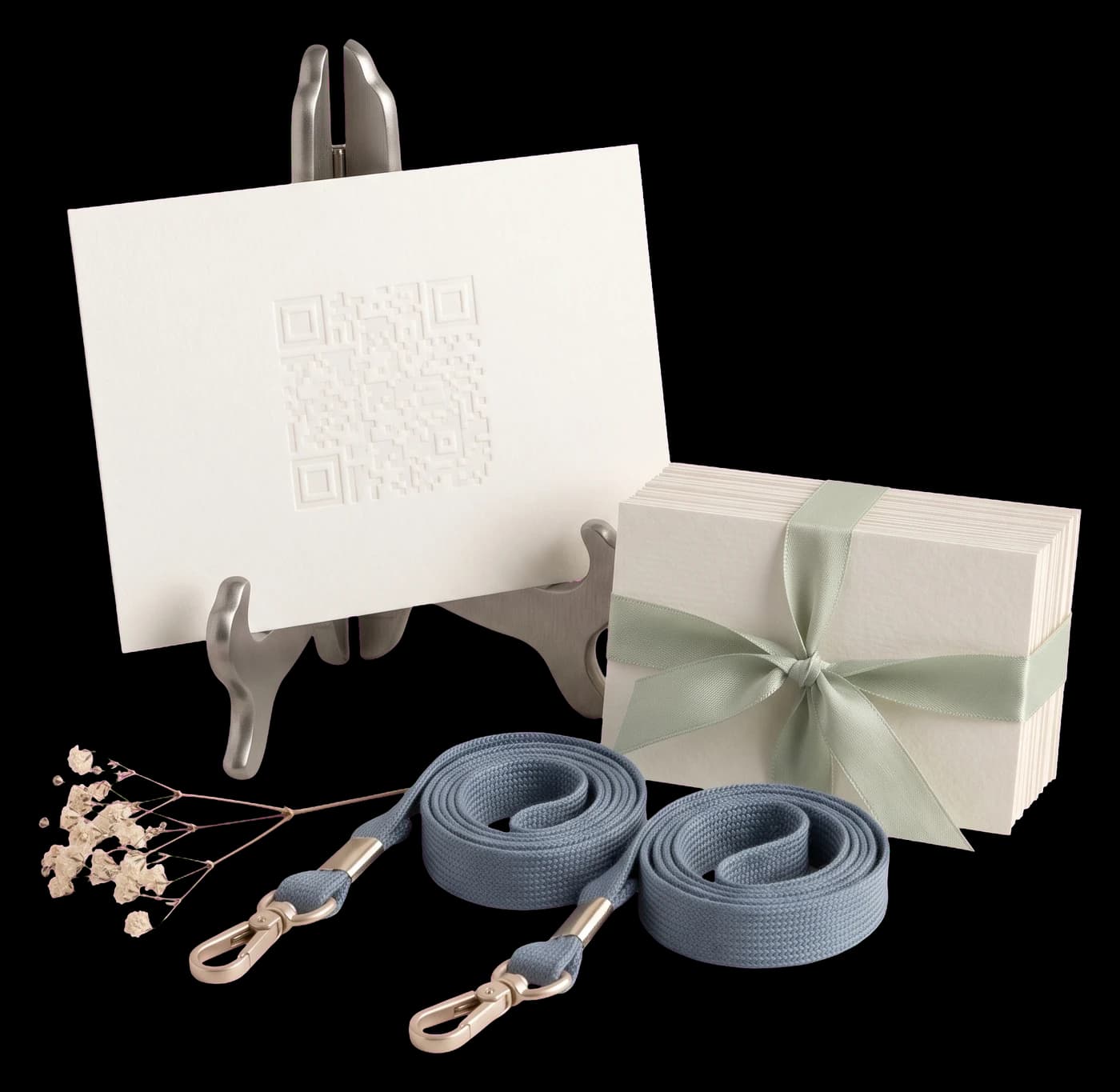

Check-in without the line
Guests scan at the door and see their table straight away. No alphabetical badge tables, no volunteer reading names off a spreadsheet.

Sponsor tables, kept straight
Tag guests by company, sponsorship level or department, seat whole groups at once, and see at a glance which table still has a chair free.

Dietary counts for the kitchen
Vegetarian, gluten-free, allergies: recorded per guest and exported table by table, so the caterer gets a count instead of a rumour.

Speeches and the programme
Head table, speakers and award recipients get their own seats and tags, so the run of show and the room say the same thing.

Works on the screen too
Project the code between slides or drop it into the programme. The same QR works on the easel, in the invitation email and on the badge.
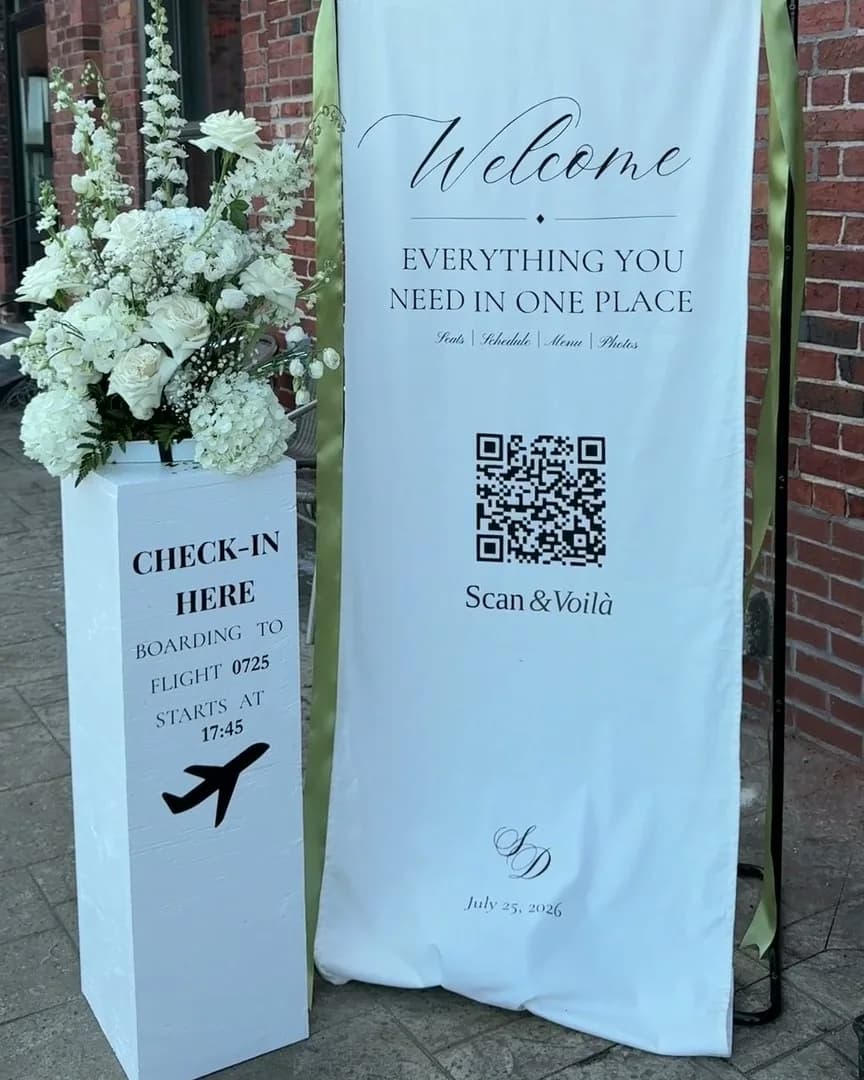
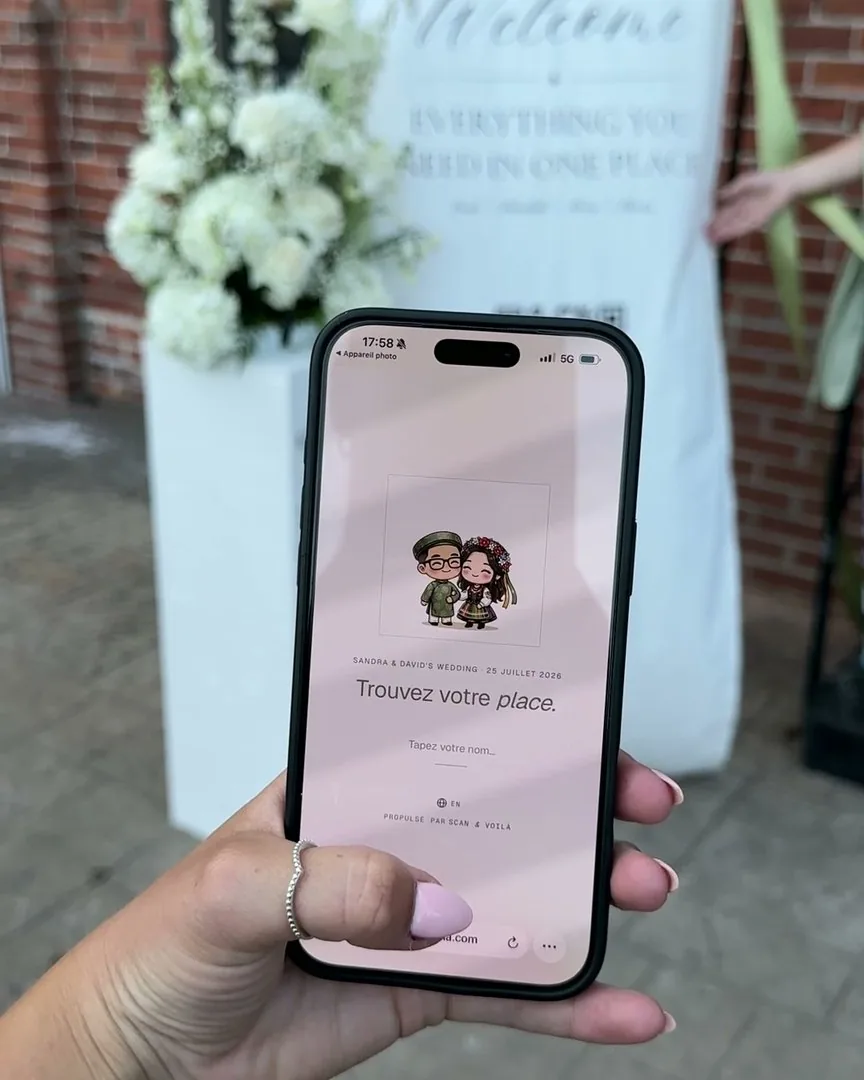
Scan & Voilà ran its first wedding before it had a name: ours. One QR at the door, and nobody had to ask where they were sitting.
Our own wedding · 111 guests · one QR at the door · July 2026
“So nice that I want to use it for my own wedding next year.”
“Super easy to use — I loved seeing who I was seated with, and uploading photos took seconds.”
Before you start.
Can attendees check in without a line?
One QR at the door. Each attendee types their name on their own phone and sees their table. No staff at a laptop, no printed list to scan down.
How do we keep sponsor and VIP tables straight?
Name each table, set its capacity and place it on the floor plan. Over-capacity and unseated guests are flagged before the night, not at the door.
Can we give the caterer dietary counts?
Import meal choices and restrictions with the guest list (CSV), then export the list with table assignments for the kitchen.
Can the seating show on a screen at the entrance?
Yes. The guest page is a web page, so a lobby screen or tablet can show it next to the QR for anyone who prefers to look up rather than scan.
One evening. Or every evening.
No seats-per-month, no "contact sales." Free for small events. Premium for the big night. Pro for planners running one of these every weekend.

Start here
- One event at a time · seat up to 50 guests
- RSVPs for every guest you invite
- Your event’s own page, in four looks
- Unlimited tables
- Floor plan editor
- QR code sharing
- CSV import & export

Your event
- Unlimited seating · one event at a time
- RSVP reminders, sent for you
- Cover photo on your page, the seat search and place cards
- Printable place cards · 4 per sheet
- Photo memories album · guests add photos as the night happens
- Custom event font, accent color, page background
- Your own mark in the QR code
Refundable until you activate any premium feature.

Every event
- Unlimited events, always
- Everything in Premium
- Re-use layouts & guest lists
- Multi-event dashboard
- Priority email support
A crowded room resolves into seated tables as you scroll.
Free to start · seat up to 50
Every guest, perfectly placed.
An afternoon to build. One scan at the door. And your Sundays back.