Scan & Voilà for weddings
From escort cards to the last dance, every guest finds their seat in seconds, and every photo finds you.

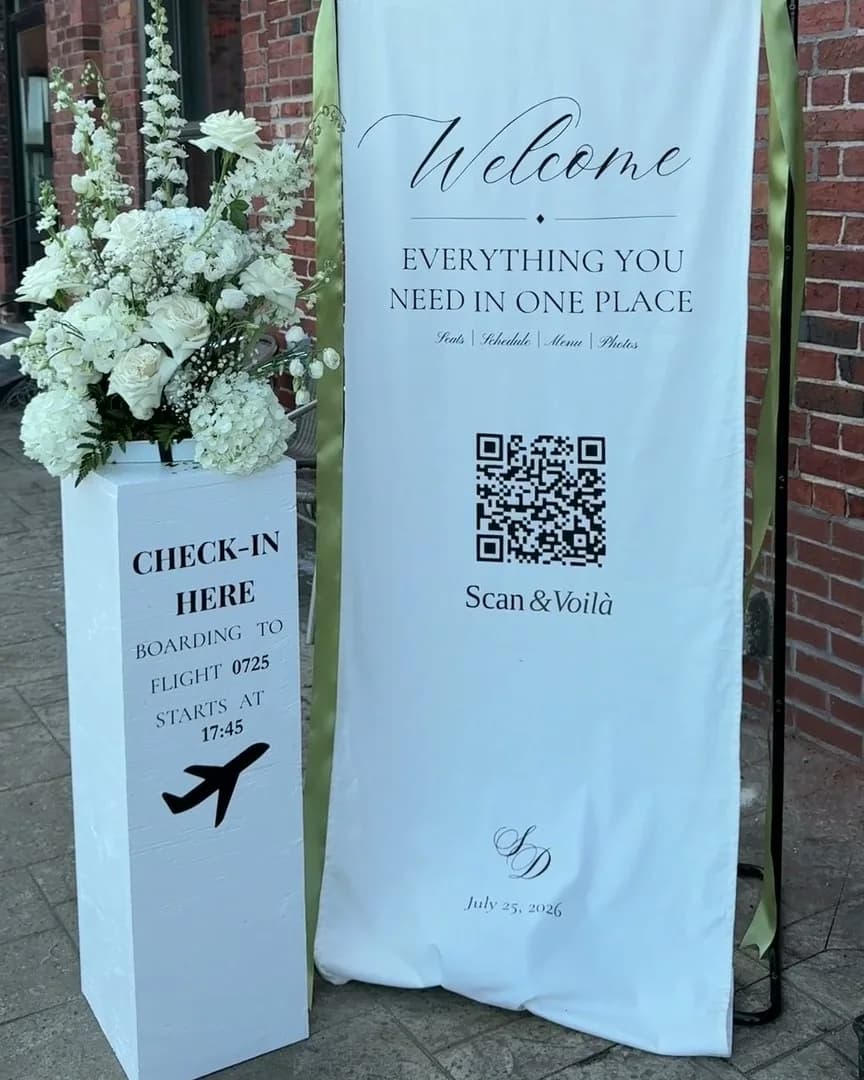
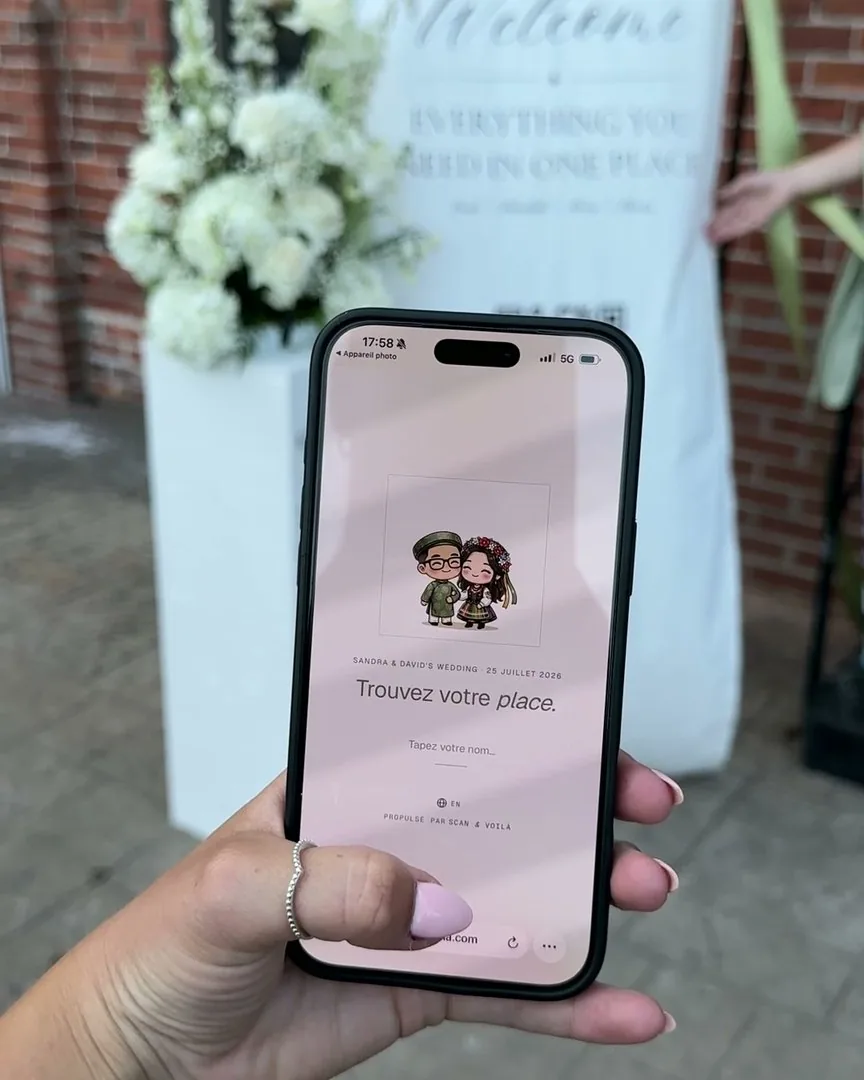
One QR at the entrance
Print it once, put it on an easel, and you are done. No wall of names, no bottleneck at the door, no one squinting at a poster in the dark.

Forgiving name search
Nicknames, maiden names, missing accents, creative spelling: they all land on the right seat. Aunt Bea finds herself even when the list says Beatrice.

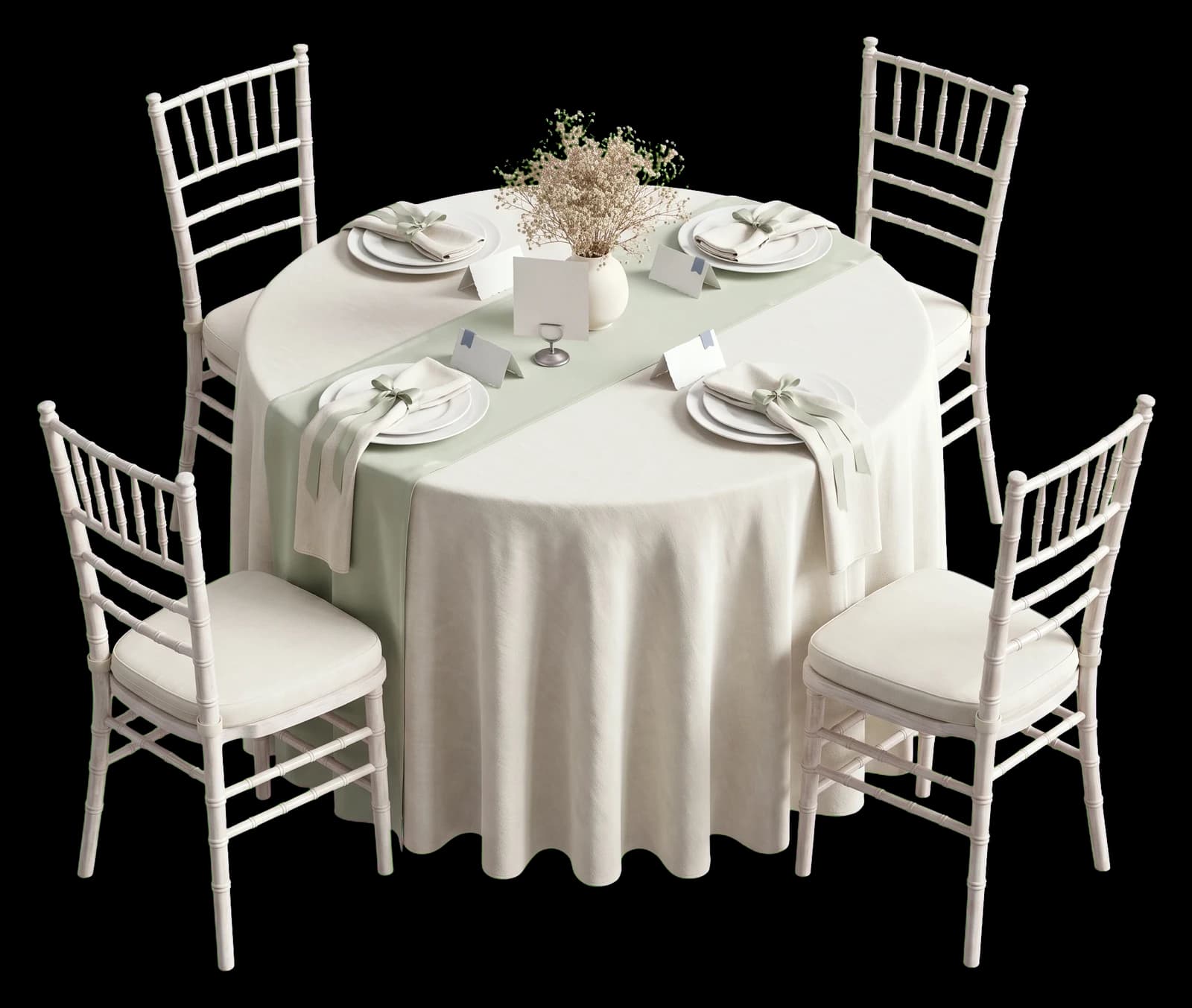
Place cards that match
Printable place cards, four to a sheet, in the same font and colour as the guest page. The paper and the screen finally agree.

The big moments
First dance, speeches, the cake. You are in the room for them instead of walking a lost cousin to table nine.

Photo memories
Guests add their photos to a shared album from the same page they used to find their seat. The night collects itself.
Scan & Voilà ran its first wedding before it had a name: ours. One QR at the door, and nobody had to ask where they were sitting.
Our own wedding · 111 guests · one QR at the door · July 2026
“So nice that I want to use it for my own wedding next year.”
“Super easy to use — I loved seeing who I was seated with, and uploading photos took seconds.”
Before you start.
Do my guests need to download an app?
No. They point their phone camera at the QR, a web page opens, they type their name and see their table. No download, no account.
What if a name is spelled differently on my list?
The search forgives nicknames, accents and typos: “Bea” finds “Béatrice”. You can also add aliases to any guest.
Can I change seats after the QR is printed?
Yes. The QR never changes. Edit the chart any time, even during the reception. Guests always see the current version.
What does it cost for a 120-guest wedding?
Free covers RSVPs for every guest, your wedding’s page, and seating for up to 50 guests. Past 50 seated, Premium is $199 CAD once for that event: unlimited seating, printable place cards and the photo album.
One evening. Or every evening.
No seats-per-month, no "contact sales." Free for small events. Premium for the big night. Pro for planners running one of these every weekend.

Start here
- One event at a time · seat up to 50 guests
- RSVPs for every guest you invite
- Your event’s own page, in four looks
- Unlimited tables
- Floor plan editor
- QR code sharing
- CSV import & export

Your event
- Unlimited seating · one event at a time
- RSVP reminders, sent for you
- Cover photo on your page, the seat search and place cards
- Printable place cards · 4 per sheet
- Photo memories album · guests add photos as the night happens
- Custom event font, accent color, page background
- Your own mark in the QR code
Refundable until you activate any premium feature.

Every event
- Unlimited events, always
- Everything in Premium
- Re-use layouts & guest lists
- Multi-event dashboard
- Priority email support
A crowded room resolves into seated tables as you scroll.
Free to start · seat up to 50
Every guest, perfectly placed.
An afternoon to build. One scan at the door. And your Sundays back.