Scan & Voilà for planners & venues
Run every client's event from one dashboard. Re-use your rooms, layouts and guest lists instead of rebuilding them each season. The Pro plan covers unlimited events, month to month.
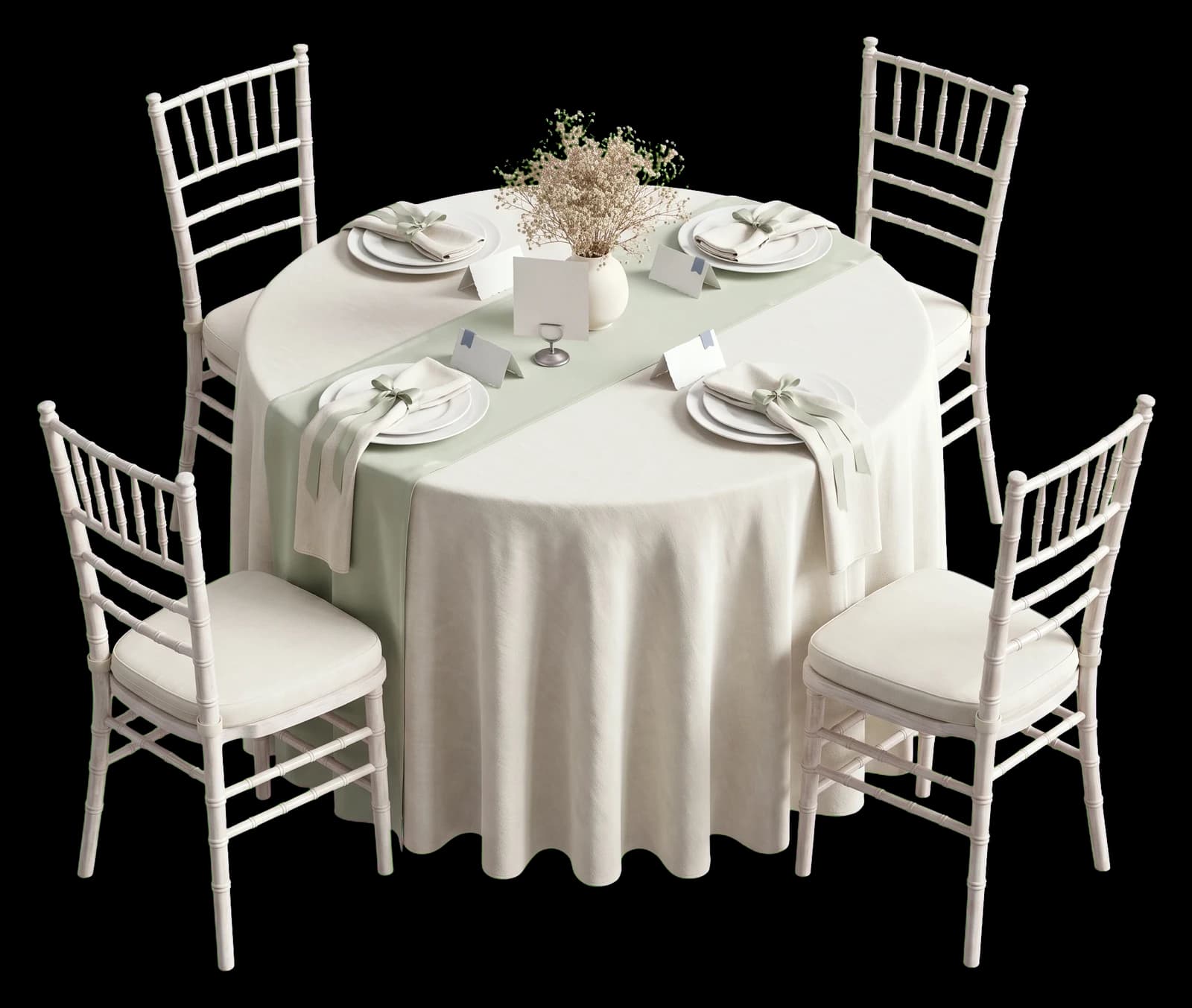

Re-use lists and layouts
Duplicate last season's floor plan, swap in the new guest list, and the room is ready before the site visit is over.

Every room you work in
Build the venue once (rounds, rectangles, dance floor, bar, sweetheart table) and keep it as a template for every client who books it.

A page that looks like their day
Each event carries its own font, accent colour and photo, so what your client shares reads as theirs and not as software.

Client lists stay yours
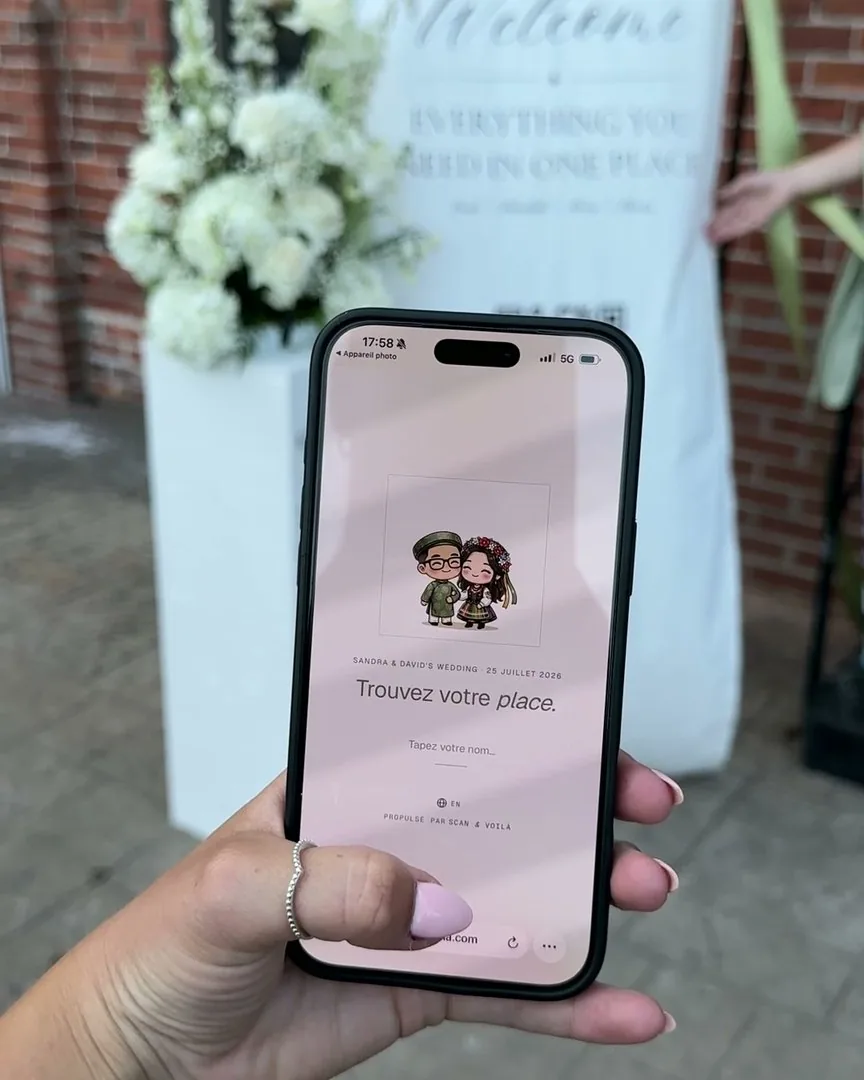
The guest page opens only from your QR or link, and shows each person their own table. Emails and phone numbers never leave the dashboard.

Bilingual, client by client
Every guest page reads in English or in French, so the anglophone wedding and the francophone gala run on the same tool.
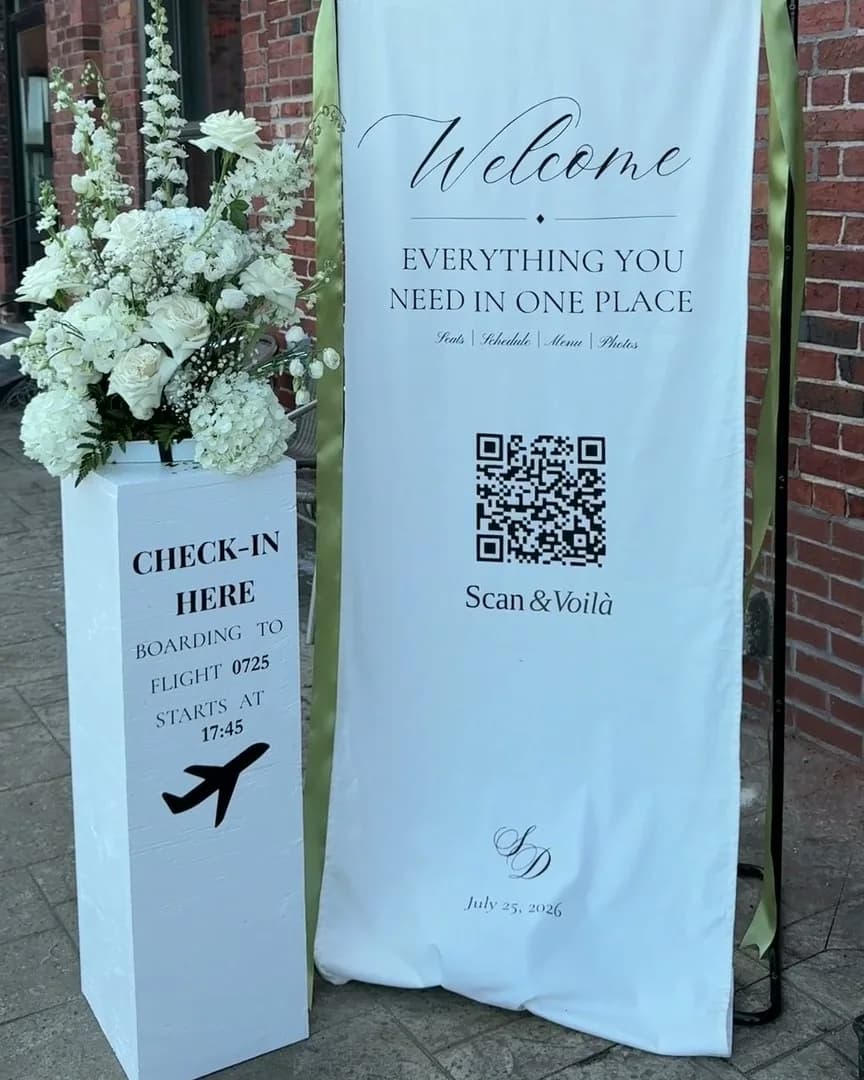
Scan & Voilà ran its first wedding before it had a name: ours. One QR at the door, and nobody had to ask where they were sitting.
Our own wedding · 111 guests · one QR at the door · July 2026
“So nice that I want to use it for my own wedding next year.”
“Super easy to use — I loved seeing who I was seated with, and uploading photos took seconds.”
Before you start.
Can I run several events at once?
Yes, on Pro: unlimited events for $49 CAD a month, month to month, cancel anytime. Every event keeps its own chart, guest list and QR.
Can I reuse a venue layout?
Duplicate an event to keep its floor plan and settings, then swap in the new guest list.
Do my clients see my other events?
No. Each event has its own private link. You can invite a client as a viewer or editor on their event only.
Do guest pages work in French and English?
Every guest page is bilingual. Guests switch language with one tap, and the host side is bilingual too.
One evening. Or every evening.
No seats-per-month, no "contact sales." Free for small events. Premium for the big night. Pro for planners running one of these every weekend.

Start here
- One event at a time · seat up to 50 guests
- RSVPs for every guest you invite
- Your event’s own page, in four looks
- Unlimited tables
- Floor plan editor
- QR code sharing
- CSV import & export

Your event
- Unlimited seating · one event at a time
- RSVP reminders, sent for you
- Cover photo on your page, the seat search and place cards
- Printable place cards · 4 per sheet
- Photo memories album · guests add photos as the night happens
- Custom event font, accent color, page background
- Your own mark in the QR code
Refundable until you activate any premium feature.

Every event
- Unlimited events, always
- Everything in Premium
- Re-use layouts & guest lists
- Multi-event dashboard
- Priority email support
A crowded room resolves into seated tables as you scroll.
Free to start · seat up to 50
Every guest, perfectly placed.
An afternoon to build. One scan at the door. And your Sundays back.