
Import your spreadsheet
1 min readUpdated Sep 21, 2026
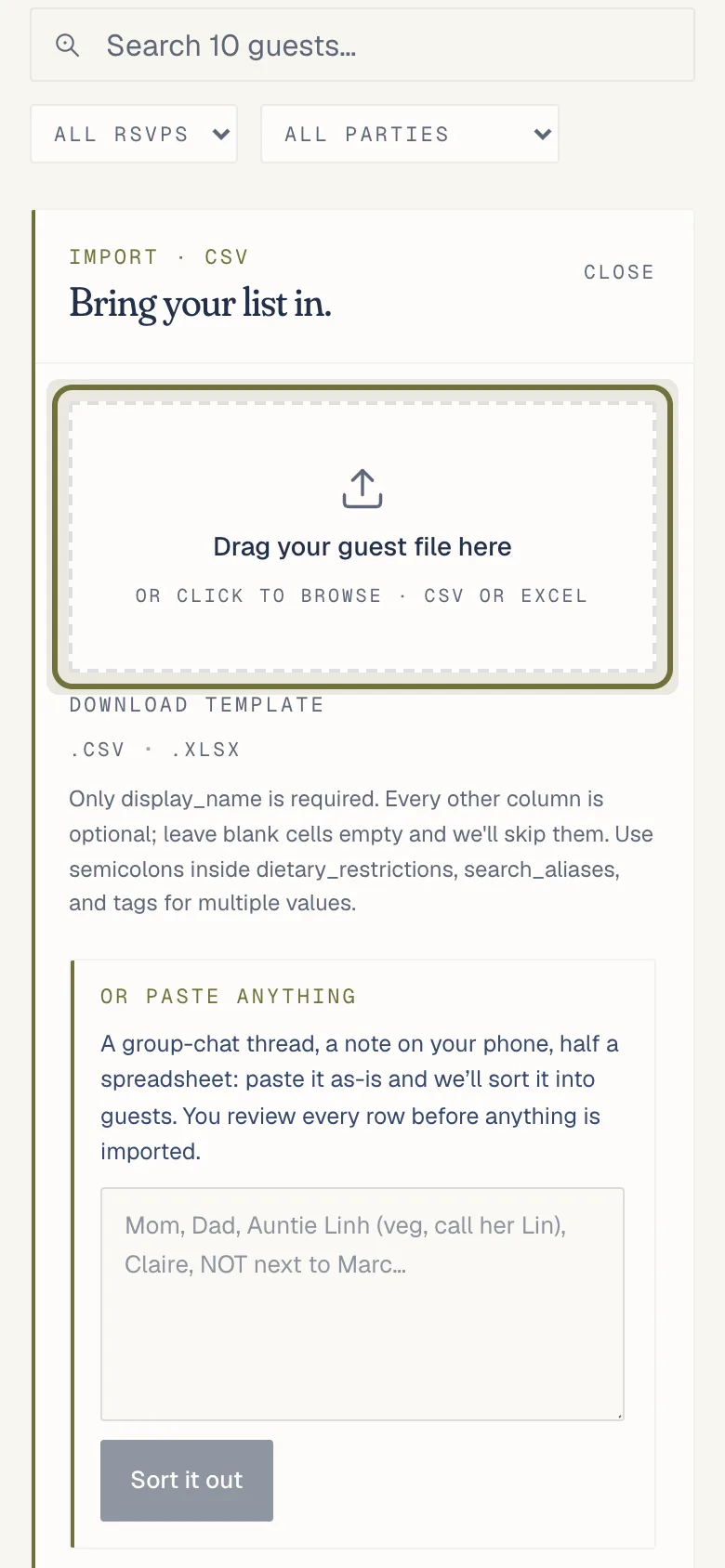
Open Guests, choose Import and drop your CSV or Excel file. Column names work in English or French, and nothing is saved until you check the list.
- Open the Guests page and choose Import.
- Drop your CSV or Excel file onto the box, or tap it to pick the file.
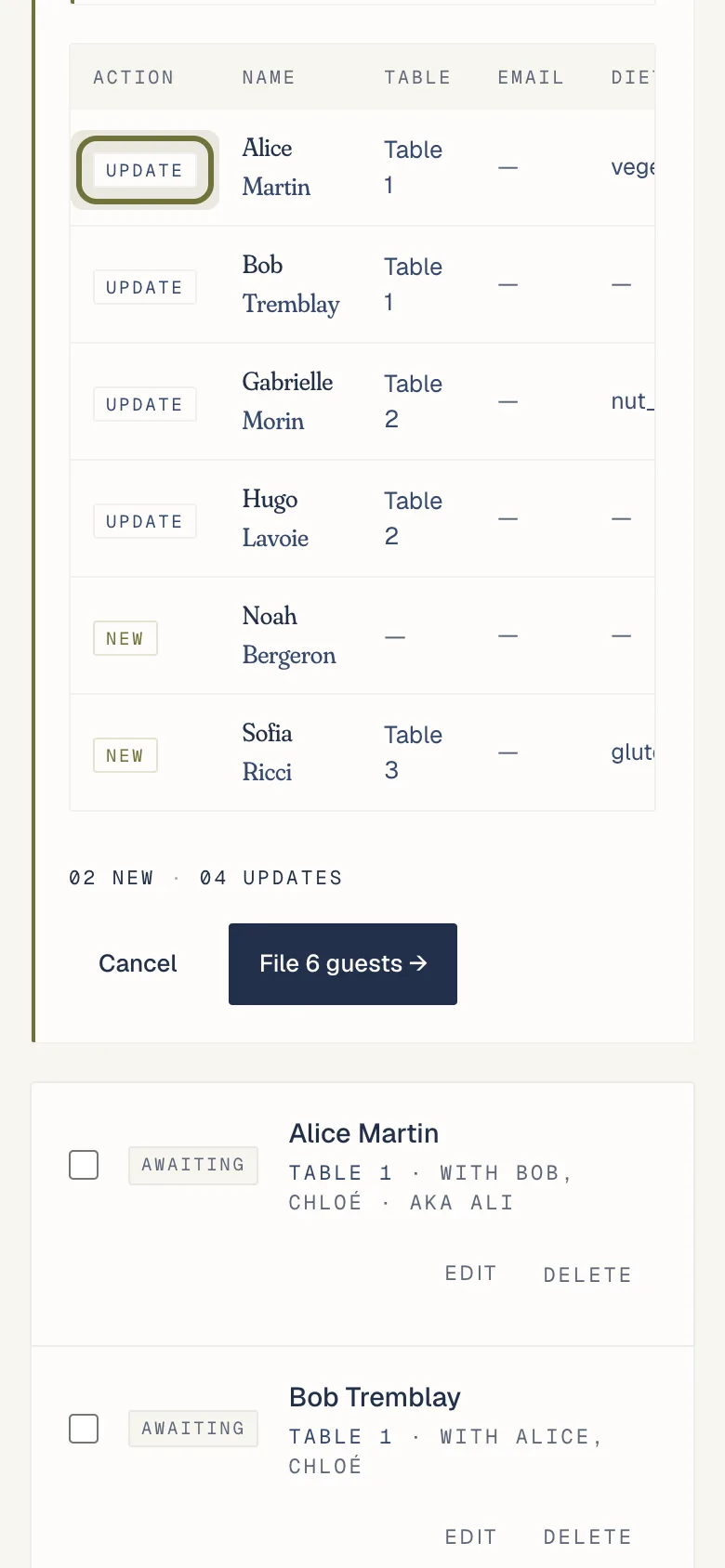
- Check the review list. Column names are matched loosely in English and French: "Name", "Nom", "Table" and "Diet" all work.
- Tap Import. Nothing is saved until you do.
No spreadsheet? Paste the list from a group chat or a note into the smart import box. It turns the lines into guests you can check first.
If it isn’t working
Related
Did this help?
A person answers.
We reply within one business day, Monday to Friday. If your event is in the next 3 days, write “Urgent” in the subject line and we’ll look at it first.