
No spreadsheet? Paste a list
1 min readUpdated Sep 23, 2026
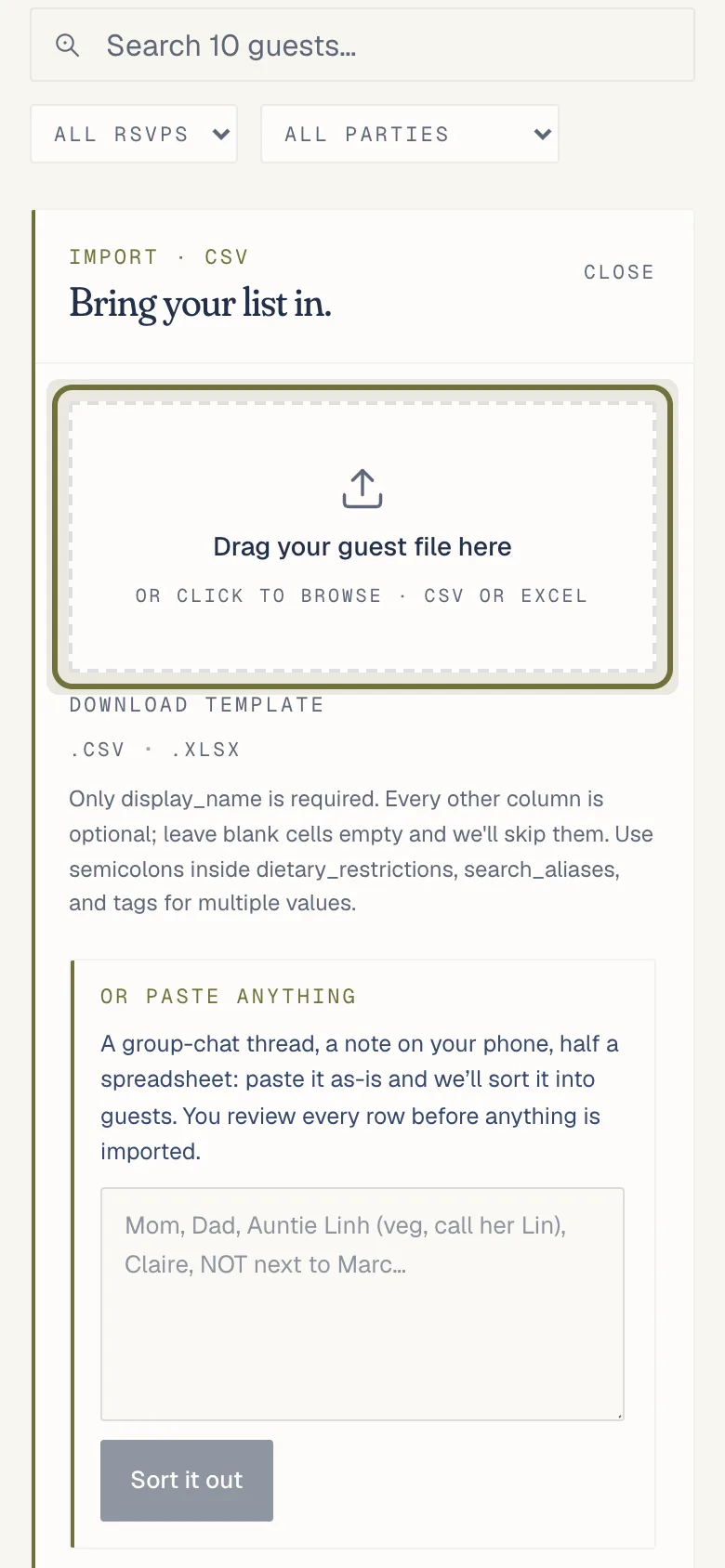
Paste a list from a chat, a note or an email into “Or paste anything” on the Guests import. You check the guests before anything is saved.
A list in a group chat, a note or an email works as it is. Smart import reads it and turns it into guests you check before anything is saved.
- Open Guests and choose Import.
- Under the file box, paste your list into “Or paste anything” and press “Sort it out”. A long list can take a minute.
- Check the review list, then import.
Smart imports are counted: 3 per event on Free, 10 once the event is on Premium or Pro, with a monthly limit on top. A file, or names typed one at a time, never count.
Related
Did this help?
A person answers.
We reply within one business day, Monday to Friday. If your event is in the next 3 days, write “Urgent” in the subject line and we’ll look at it first.