
What happens when a guest scans the QR
1 min readUpdated Aug 23, 2026
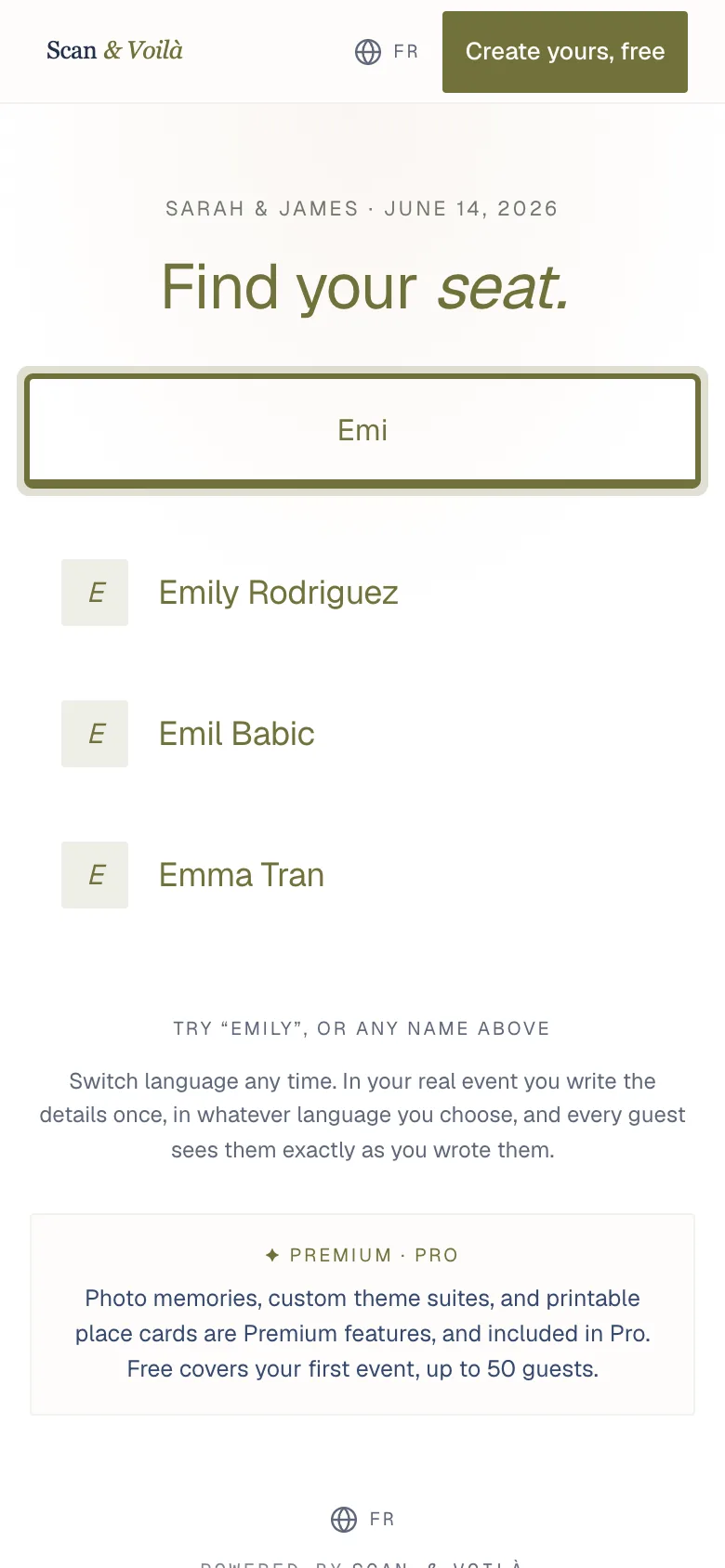
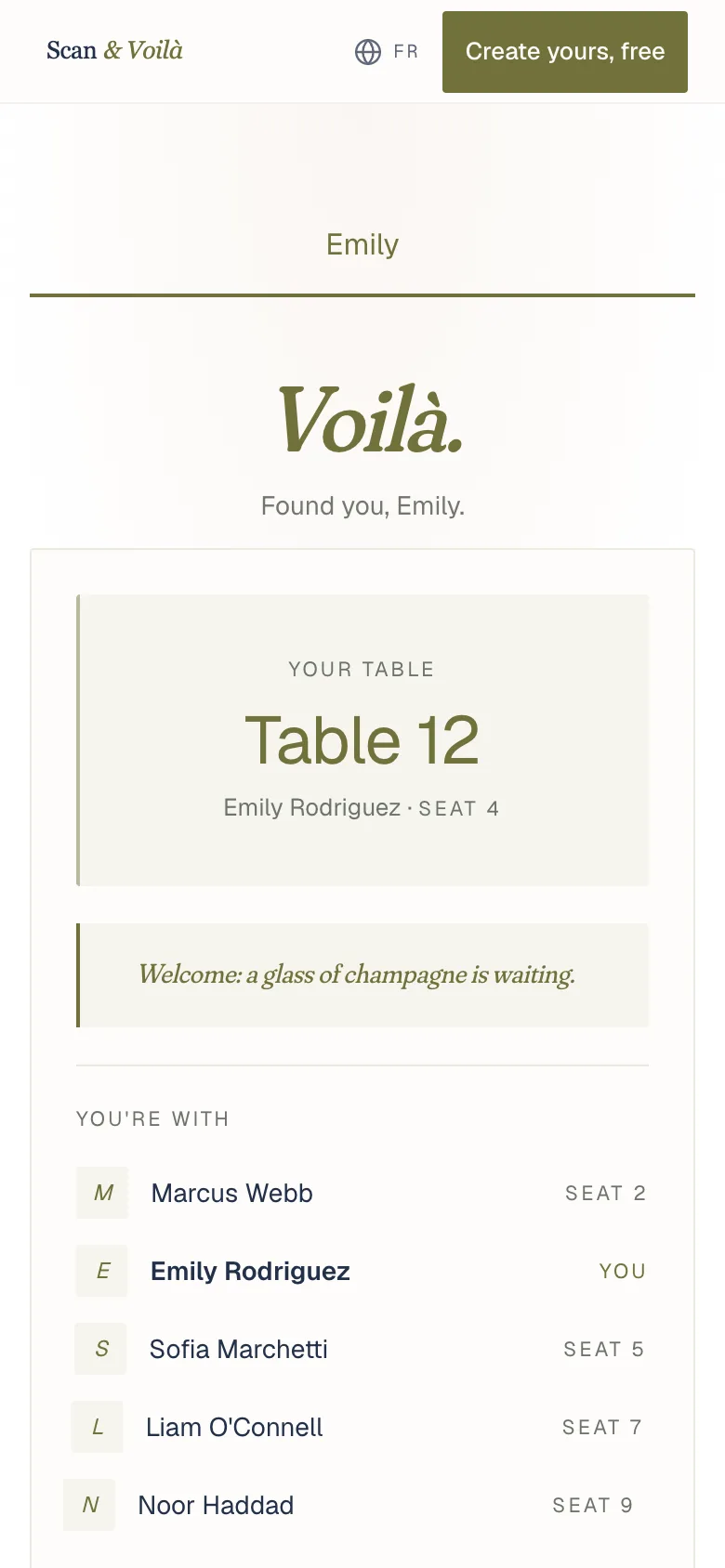
Their phone opens your event page, with no app and no account. They type their name and see their table and seat.
- The guest points their phone camera at the QR, or taps the link.
- The page opens in the browser. No app, no account, no sign-up. It works on an old Android the same as a new iPhone.
- They type their name and see their table and seat.
If you turned on "Introduce tablemates", they also see who they are sitting with. Your greeting, the schedule and your practical notes sit right below.
Related
Did this help?
A person answers.
We reply within one business day, Monday to Friday. If your event is in the next 3 days, write “Urgent” in the subject line and we’ll look at it first.